
Device Lifecycle Management: The Quiet Backbone of Your Organizational Productivity
When your team logs in each morning, they’re not thinking about device lifecycle management. They just want their laptop to work, their apps to load, and their data to be safe. But behind every smooth workday is a quiet system that keeps those devices reliable, secure, and predictable.
That system is device lifecycle management, and when it’s done well, no one notices. Work just flows.
It’s more than tracking serial numbers. It’s a structured way to make sure every device you buy delivers value from the day it arrives to the day it’s retired. Done right, it lowers costs, reduces risk, and gives your people one less thing to worry about.
Step 1: Get Clear on What Your People Actually Need
Before any device is ordered, pause and ask who the device is for and what they really need to do their best work. A partner working with sensitive client data has very different needs than a front-desk coordinator who lives in email and a browser.
It’s also the moment to align with broader business goals. Whether scaling remote work, upgrading collaboration tools, or enhancing cybersecurity, your device strategy should support—not hinder—those shifts.
Step 2: Source Strategically
Buying devices shouldn't feel like a fire drill every time someone joins, moves, or breaks a laptop. But right now, that's easier said than done.
Hardware prices have shifted significantly. Laptops that used to cost around $1,100 are now closer to $1,800. Servers are harder to predict; prices can jump after a quote is accepted, and lead times have stretched to months in some cases. A lot of this comes down to AI driving up demand for RAM and storage across the board.
Without a clear plan, you're left making reactive purchases at the worst possible time. With one, you have leverage: better conversations with suppliers, more predictable costs, and far fewer surprises.

When you stick to a consistent, centralized process and a short list of trusted device types, support gets easier, setup gets faster, and your budget stays under control.
Step 3: Deploy Smoothly So People Can Get Back to Work
Deployment is where the investment either pays off or stalls.
This is when devices are set up with the right apps, security settings, and access, then placed in the hands of the right people at the right time. When this step is handled well, new hires are productive on day one and existing staff don’t lose half a day waiting for a replacement machine to be usable.
It’s also the ideal time to support people, not just hardware. Clear, plain-language onboarding, simple “how to get help” guidance, and a quick walkthrough of good security habits go a long way. When deployment is smooth, technology fades into the background, and your team can focus on serving clients instead of wrestling with logins and settings.
Step 4: Keep Devices Healthy, Quietly
Once devices are in use, the real work is keeping them stable, secure, and predictable over time.
That means routine updates, health checks, and fast, human support when something goes wrong. When you’re watching for early warning signs: slowing performance, storage issues, unusual behaviour, you can fix small problems before they become outages that knock someone out for half a day.
This stage is where the real savings show up. A well-maintained device lasts longer, runs better, and needs fewer emergency interventions. Your people experience fewer disruptions, and your leadership team sees fewer surprise expenses and productivity losses.
Step 5: Retire Devices Carefully and Securely
Every device has an end date. How you handle that moment matters just as much as how you bought it.
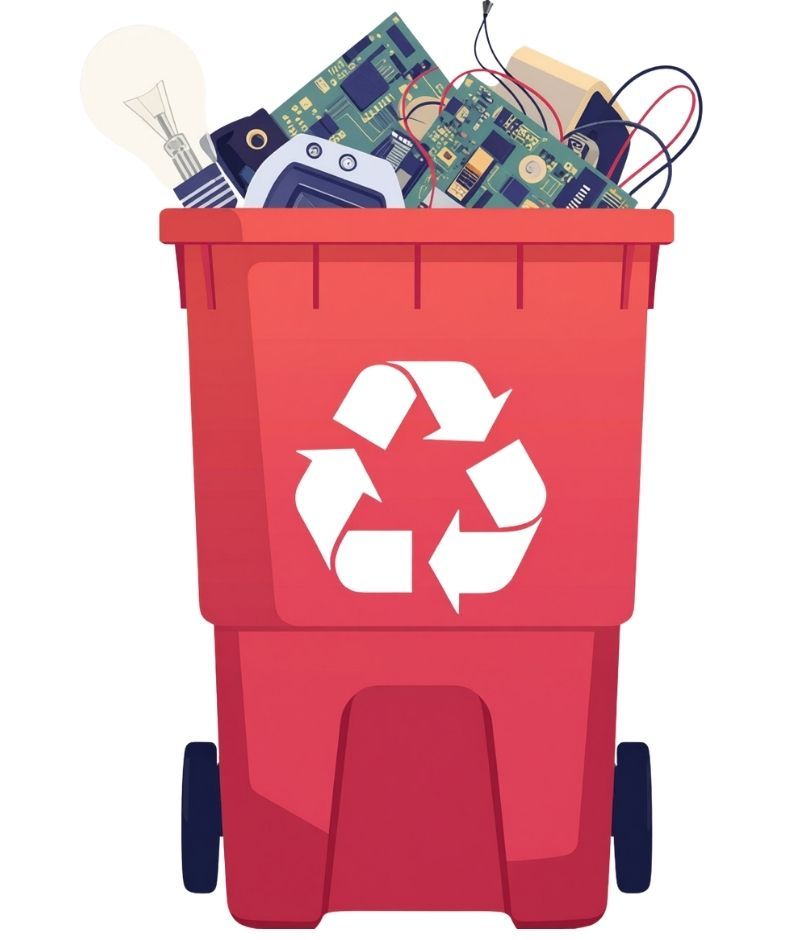
Responsible retirement starts with wiping data properly so nothing sensitive is left behind. It continues with recycling or disposal that respects environmental standards and local regulations. For some organizations, it also includes recovering value through resale or donation, where that makes sense and aligns with policy.
Handled well, this step protects your reputation, your clients’ trust, and the environment. It closes the loop on the device’s life in a controlled, documented way instead of leaving old hardware—and old data—sitting forgotten in a cupboard.
Ready to Move from Reactive to Proactive?
From there, build a clear, realistic plan that fits your goals and budget. Whether you’re supporting a small firm or multiple offices, the aim is the same: devices that quietly work so your people can, too.
If device management still feels like a series of emergencies, the process is running you, not the other way around. A simple lifecycle approach helps you cut waste, smooth out the employee experience, and strengthen security. Start by looking at how you buy, deploy, support, and retire devices today, then spot the delays, risks, and surprise costs.
If you’d like a plain-language review of your current setup or help designing a calmer, more predictable approach, contact us.
Recent Posts











